How to create a digital welcome book for your holiday let
Everything your guests need on one web page they reach with a scan: the wifi, the door, the bins, the good pub. Here is how to build one in about 10 minutes.
Updated 26 August 2026
A digital welcome book is a single web page holding everything guests need to know about your holiday let: the wifi password, how the front door works, which bin goes out on Thursday, where to get a decent breakfast. Guests scan a QR code and the page opens in their phone's browser. No app, no account, no laminated folder on the kitchen table.
We make Scan That Stay, a tool that does exactly this, but the guide below works whatever you use: what belongs in a welcome book, how to set one up in about 10 minutes, and how to print a QR code that scans first time.
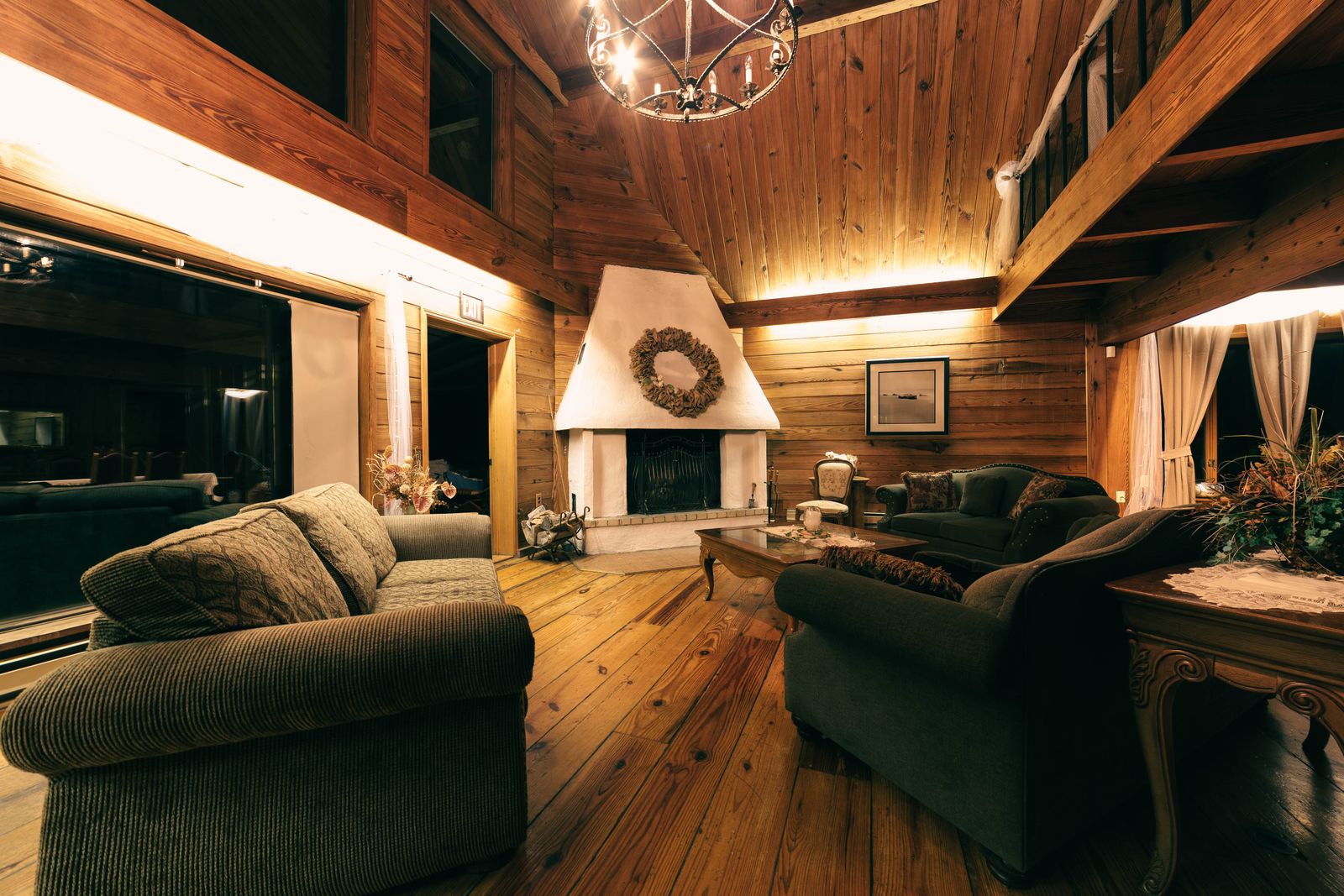
What is a digital welcome book?
You will see the same thing called a digital guidebook, a guest guide or a house manual. Underneath, it is always the welcome folder moved to the one place guests are already looking: their phone. It should open straight in the browser. If a guest has to install anything or make an account, half of them simply won't, and you are back to answering messages.
Compared with the folder, a page on a phone has four quiet advantages:
- It is searchable. Nobody reads thirty laminated pages, but everyone can find the wifi in two seconds.
- It is always current. Edit it once and every guest from that moment on sees the new version.
- It works before arrival. Send the link with your check-in message and guests turn up already knowing where to park.
- It cannot be left face-down under a wet swimming costume.
The folder is also confidently wrong the moment anything changes: the router gets replaced, the pub changes hands, the council moves bin day. And it cannot help with the questions that cause real stress, because parking and the key safe come up before anyone is near your kitchen table. Keep a slim printed page for the essentials if you like; just stop paper being the master copy.
What to put in it
The temptation is to write everything. Resist it. A welcome book earns its keep by answering the questions guests actually ask, and those cluster into six sections:
| Section | What guests ask |
|---|---|
| Wifi | What is the wifi password? The most-opened section of every stay. Give the network name and password exactly as they appear on the router, capitals and zeros included. |
| Getting in | Where do we park, and how does the key safe work? Cover the last hundred metres the satnav gets wrong, the code, the knack the door has, and your phone number. |
| House rules | Can we bring the dog? When is quiet time? Three rules that matter, written like a human, beat fifteen that read like a tenancy agreement. |
| Bins | Which bin goes out, and when? Which bin is which, the collection day, where they live. A labelled photo saves a paragraph. |
| Local tips | Where is good for dinner? Your list, not the tourist board list. Five places you genuinely love beat fifty copied from a review site. |
| Leaving | What do we need to do before checkout? The time, the keys, the heating, and what they can happily leave for you. |
Beyond the six: any appliance quirks (the induction hob, the log burner, the tv remotes) and an emergencies note with the stopcock, the fuse box and your number. Nobody reads it until they need it, and then they really need it.
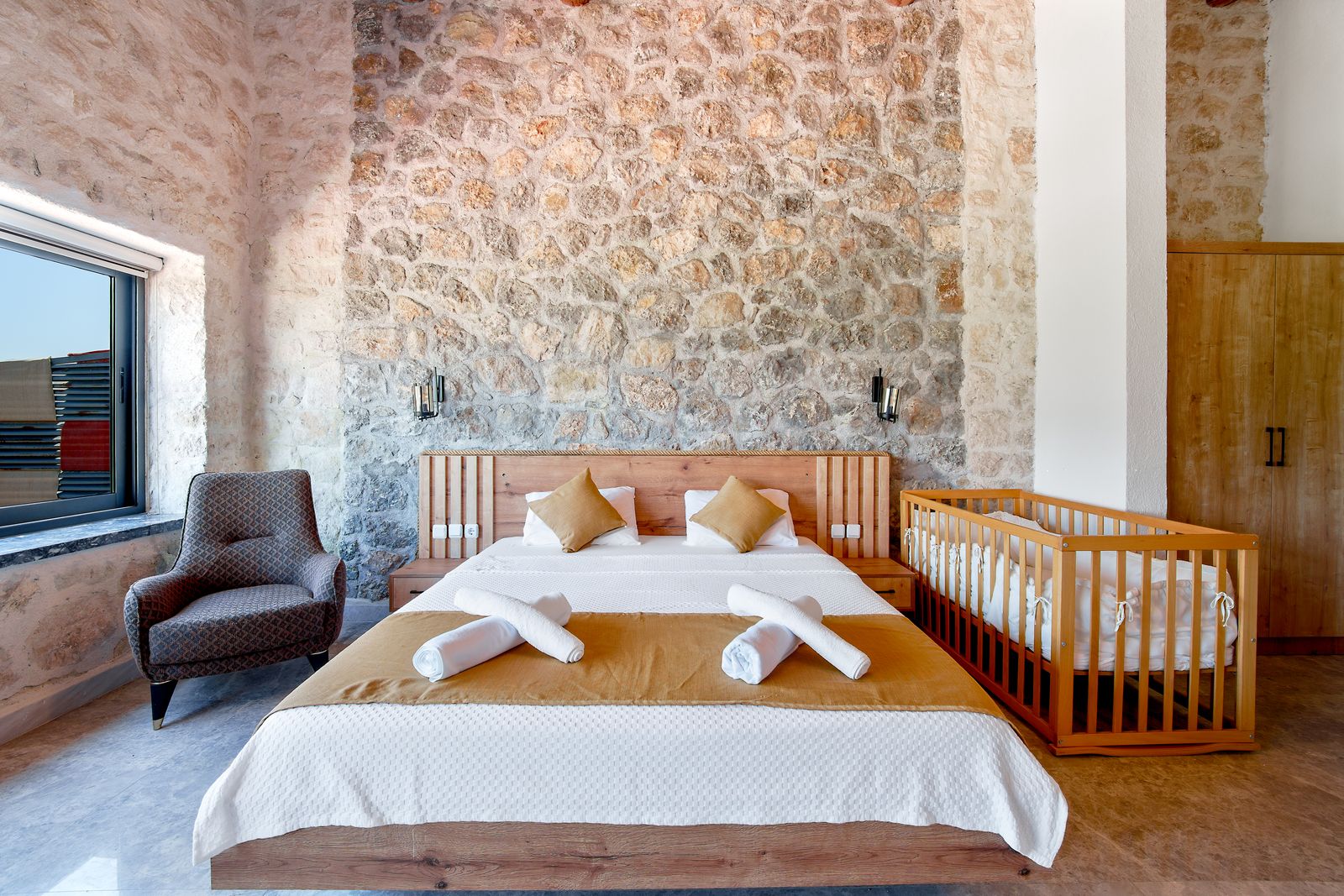
Setting it up in about 10 minutes
- Empty your head into a list. Scroll your last dozen stays of guest messages. Every question a guest has ever asked you is a heading.
- Decide where it lives. A shared document or PDF is free but clumsy on a phone, and re-uploading it often changes the link, which breaks anything you printed. The house-manual field in your listing app only reaches guests who booked there. Or use a purpose-built page: that is what we built Scan That Stay to be, one page per property with the six sections above for £6 a month.
- Write it the way you'd say it. The key safe is behind the planter, code 4321, press the black button first. Short sentences, one idea each.
- Add photos where words struggle. Which door, which bin, which switch.
- Test before you print. Hand your phone to someone who didn't write the page and watch them find the wifi password. Where they hesitate, rewrite.
A QR code that scans first time
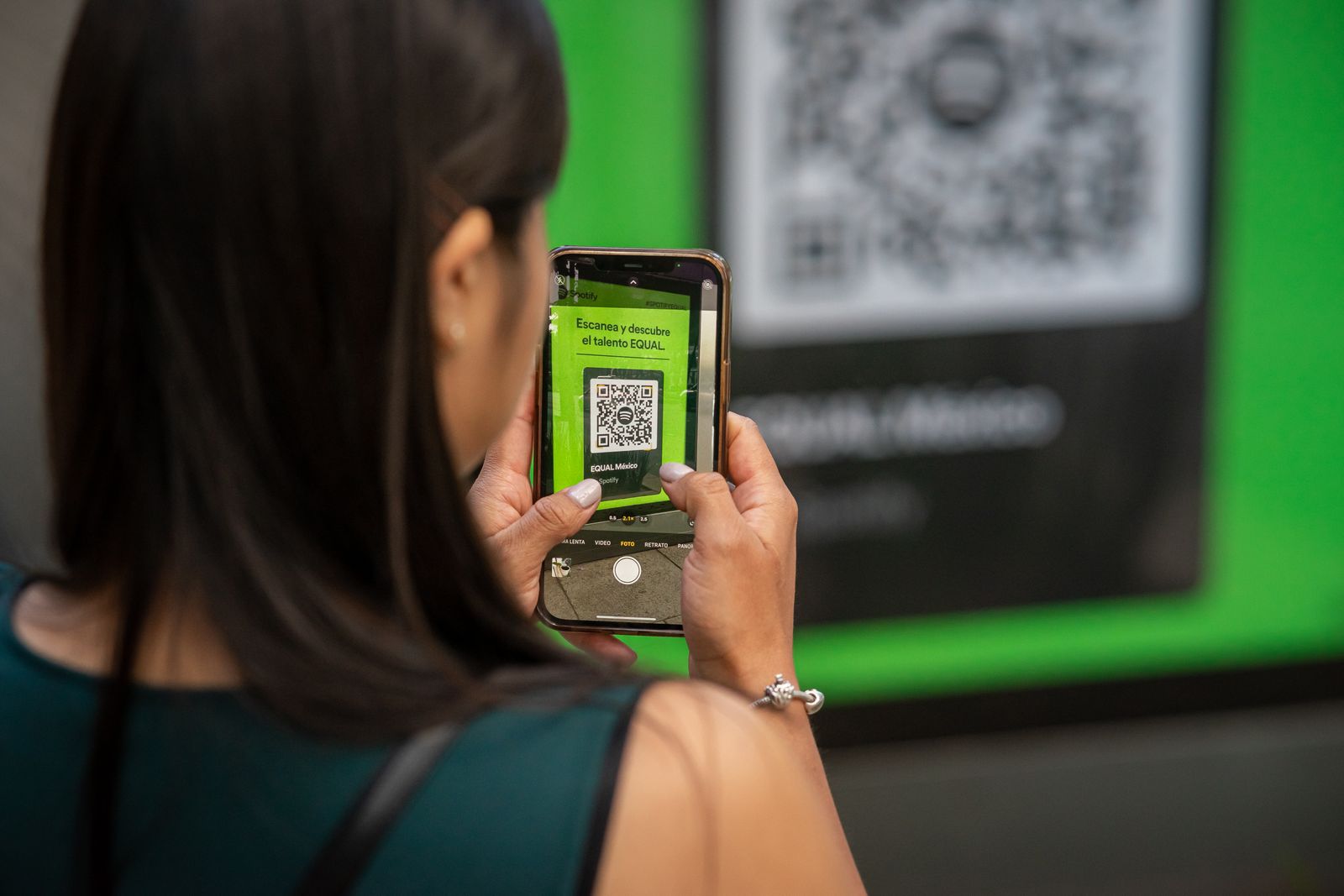
The QR code is the bridge between your property and the page, and a few small choices decide whether it works:
- Print it big enough. 3 to 4cm across is plenty for a plaque on the kitchen counter; go bigger if it will be read from further away.
- Dark code, light background, matte finish. Glossy laminate under a spotlight can throw enough glare to beat the camera. Leave a clear white margin.
- Put the web address under the code, as a fallback for the one guest whose camera won't play along.
- Add one line of invitation. Scan for wifi, bins and our favourite places. Tell people what they'll get.
- Place it where guests already stand. By the kettle is the classic. A second small one by the front door catches arrivals.
- Choose a link that will never change. This is the quiet trap: if editing your page or switching tools changes the URL, every plaque you printed dies. With Scan That Stay the printed code keeps working through every edit, for the life of the property.
Keeping it updated
This is where digital quietly pays for itself: an update is a thirty-second edit from your sofa, live for the very next guest, with nothing to reprint. Edit on the day things change, while you remember. Every time a guest messages you a question, the answer goes in the book; if one guest asked, ten more wondered. And do a quick seasonal pass: swap the beer garden for the open fire, check the bin schedule survived the council's annual reshuffle, re-test the QR code while you're stood next to it.
Common questions
Do guests need an app or an account?
They shouldn't. A good welcome book opens in the phone's browser the moment the code is scanned. That is how Scan That Stay works, and we'd treat it as a requirement for any tool you evaluate.
What does one cost?
Doing it yourself with a document costs nothing but your patience. Scan That Stay is £6 a month per property, everything included, cancel anytime. If you do cancel, nothing is deleted: your pages pause and are exactly as you left them if you come back. Weighing bigger tools? We've written an honest comparison with Touch Stay.
More than one property?
Give each its own page and its own code. Guests should never scroll past another cottage's bin day to find their own. With Scan That Stay each property is its own page and its own £6 on one bill.
What if the property has poor signal?
Belt and braces: put the door code, parking and your number in the booking message as well. Once guests are on your wifi, the book works regardless of mobile signal.